How AI Makeup Try-On Works (Simple Explanation)
October 9, 2026 · 4 min read
A plain-language look at how AI makeup try-on works: face detection, feature mapping, how a look is applied, what the tech cannot do, and privacy basics.
What Happens After You Upload a Photo
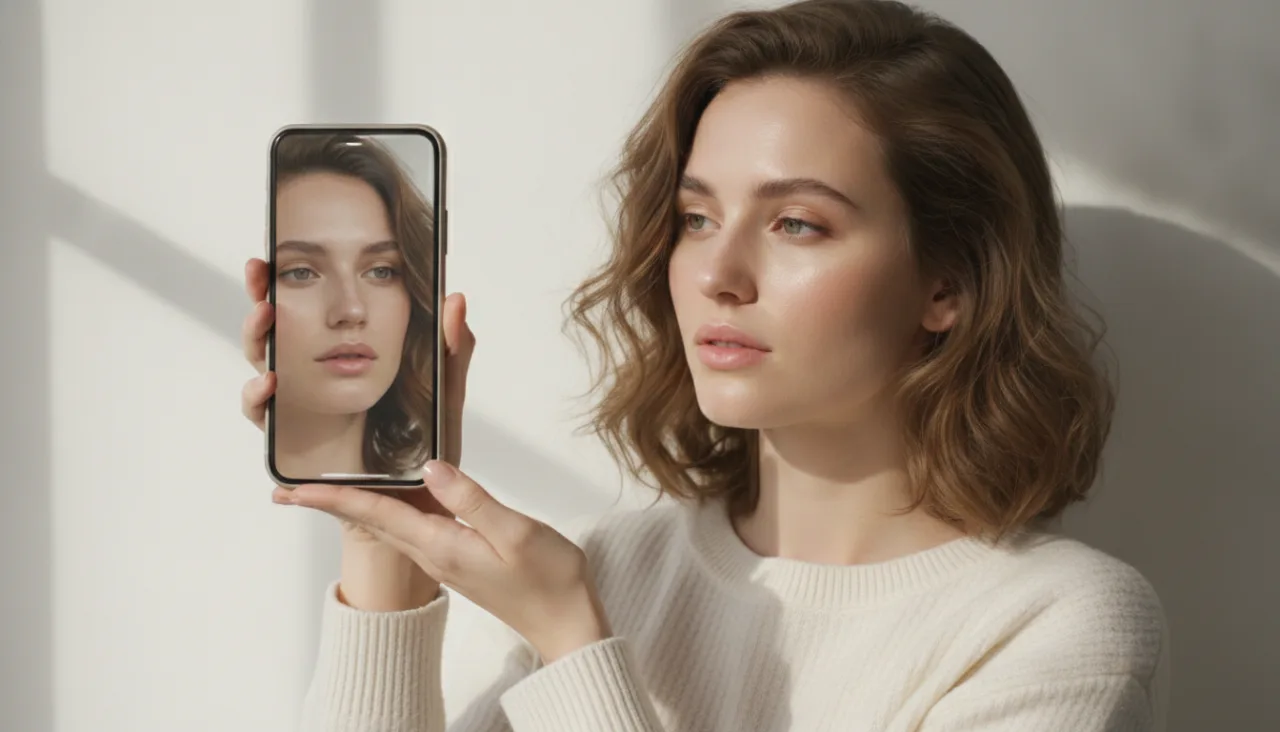
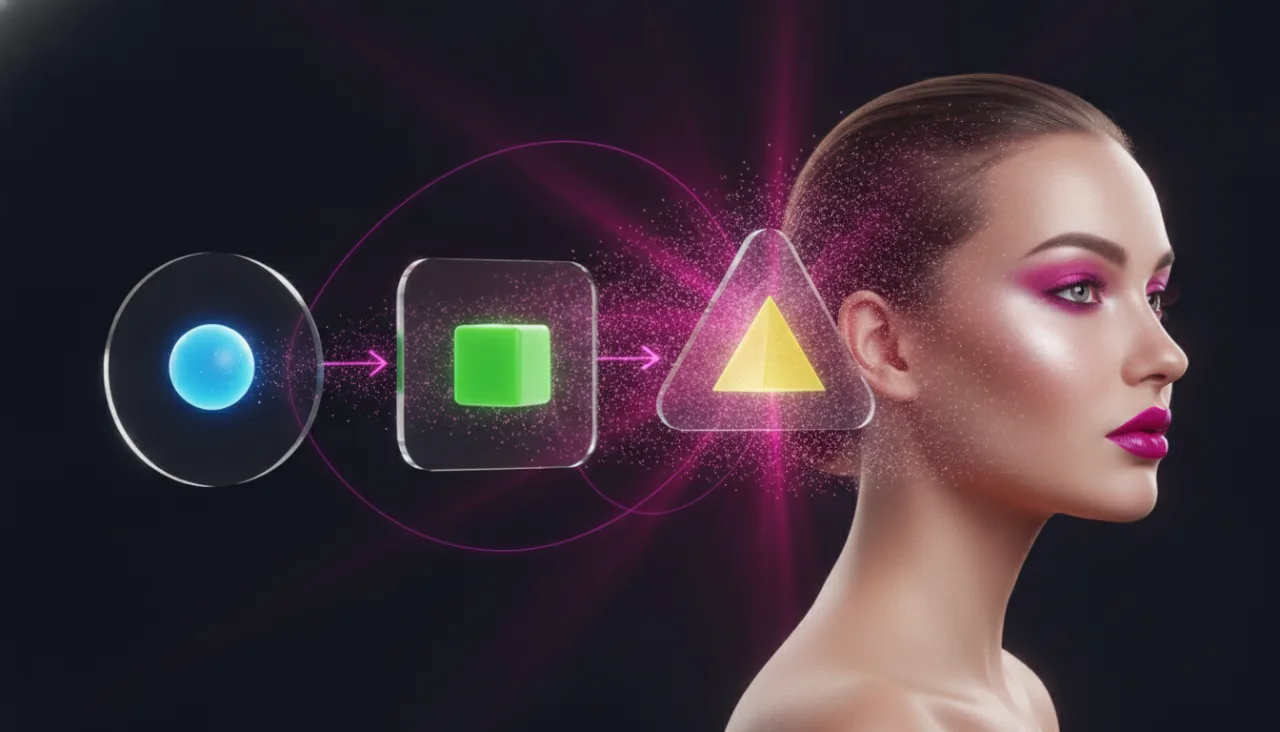
Once you upload a picture, the first step is face detection. The software scans the image and finds the face, separating it from the background and any other people. If it cannot find a clear face, it will usually ask for a different photo before going any further.
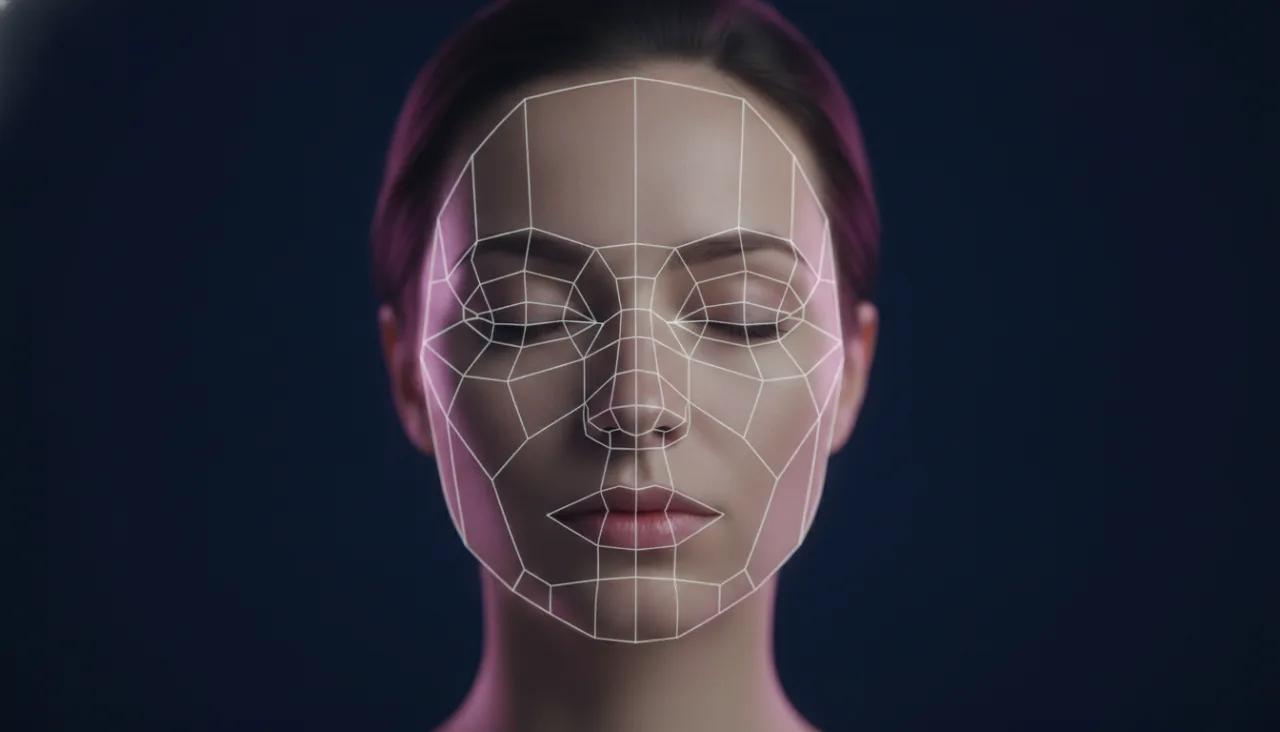
With the face located, the system maps landmarks, small reference points around the eyes, brows, nose, mouth, and jawline. These points let it understand the shape and position of your features, not just where your face sits in the frame. This mapping is what makes the next steps accurate.
The model then marks regions such as the lips, eyes, cheeks, and skin, treating each one separately. Lips get color, eyes get shadow and liner, cheeks get blush. Because each area is handled on its own, a single makeup look can be split into parts and layered onto the right places.
How a Look Is Placed on Your Own Features
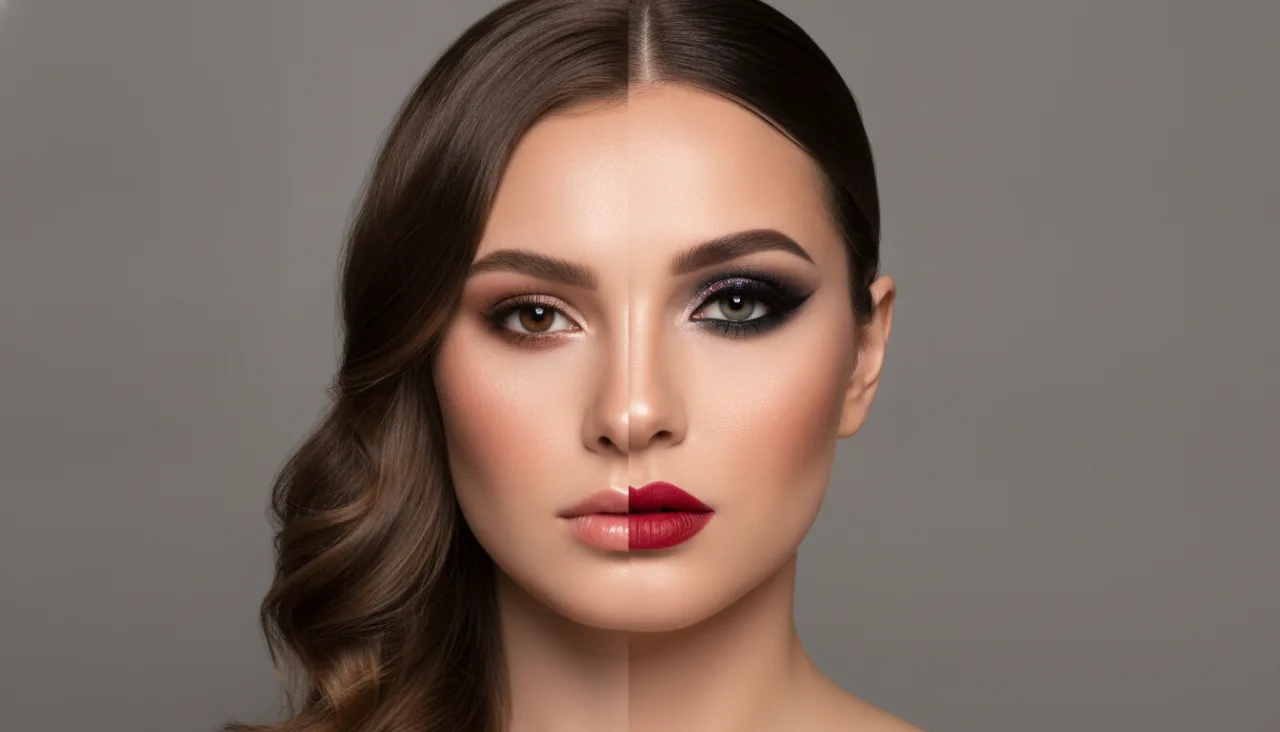
Applying a look is less about pasting a finished face over yours and more about transferring color and finish. The chosen look is broken into effects, and each effect is blended onto its matching region so it follows your own contours instead of a generic template.
Your features and skin texture stay yours. Freckles, moles, and the natural grain of your skin are kept, which is why a good result still looks like a photo of you rather than a mask. The makeup adapts to your face, not the other way around.
This is the part that makes a try-on genuinely useful. When the color respects your undertone and the shape respects your face, you can judge a lip shade or an eye look the way you would in person, without guessing from a swatch on someone else with different coloring.
Why Lighting and Image Quality Matter
Lighting and image quality decide how much the software can actually work with. Bright, even light reveals the true color of your skin and the exact edges of your features. Poor light hides both, leaving the model to guess, and guesses show up as uneven or dull results.
A sharper image helps too. Blur removes fine detail around the eyes and mouth, which are the areas a makeup look depends on most. A slightly older phone with good light often beats a newer one shooting in a dim room.
This is why a try-on can look convincing in one photo and off in another taken minutes later. Little changed except the light. Give the model a clear, even view and it will repay you with a much more faithful preview of the makeup.
What the Technology Cannot Do Well
Some situations are genuinely hard for this kind of technology. Extreme angles, where the face is turned far to one side or seen from below, give fewer landmarks to work with. Very low light is another, since there is simply not enough detail to map.
Heavy filters and beauty modes cause their own trouble. They remove texture and reshape features before the try-on even starts, so the result is built on a face that is not quite yours. Unusual face paint, prosthetics, or large obstructions can confuse detection as well.
It is worth being realistic about this. AI makeup try-on is a strong guide for everyday looks and event planning, but it is a preview, not a promise. Treat it as a helpful direction rather than an exact match to what you will see in the mirror.
A Short Note on Privacy
Privacy is a fair question with any photo you upload. On UpUpImg, photos are treated as private data. Generated images appear only in the history of the signed-in account that made them, they are not shown to other users, and you can delete them whenever you choose.
Knowing you control the images makes the tool easier to use freely. You can test bold looks you would never buy without a second thought, then clear the history if you prefer. Nothing about the process requires an app install, since it runs in a normal mobile or desktop browser.
The main idea to take away is simple. AI makeup try-on reads your face, maps its features, and applies a look to the right regions while keeping your own texture. Where the photo is clear and the face is easy to read, the preview tends to be close to real.
See it on your own photo
Upload one photo, choose a look, and preview the result in seconds. New accounts start with 20 free credits and every generated image costs 10.
Try AI Makeup